Budgettin
Personal budgeting built around real life. Track spending, set category budgets and sinking funds, and scan receipts — in any currency.

Why we built it
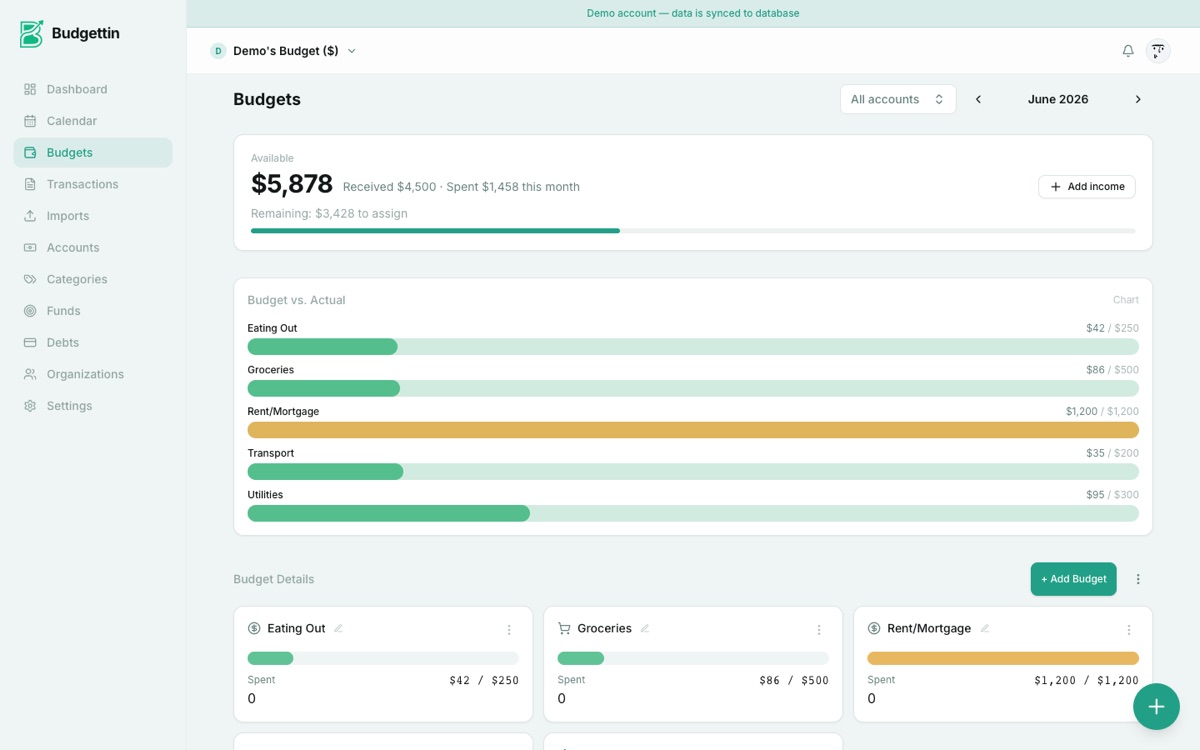
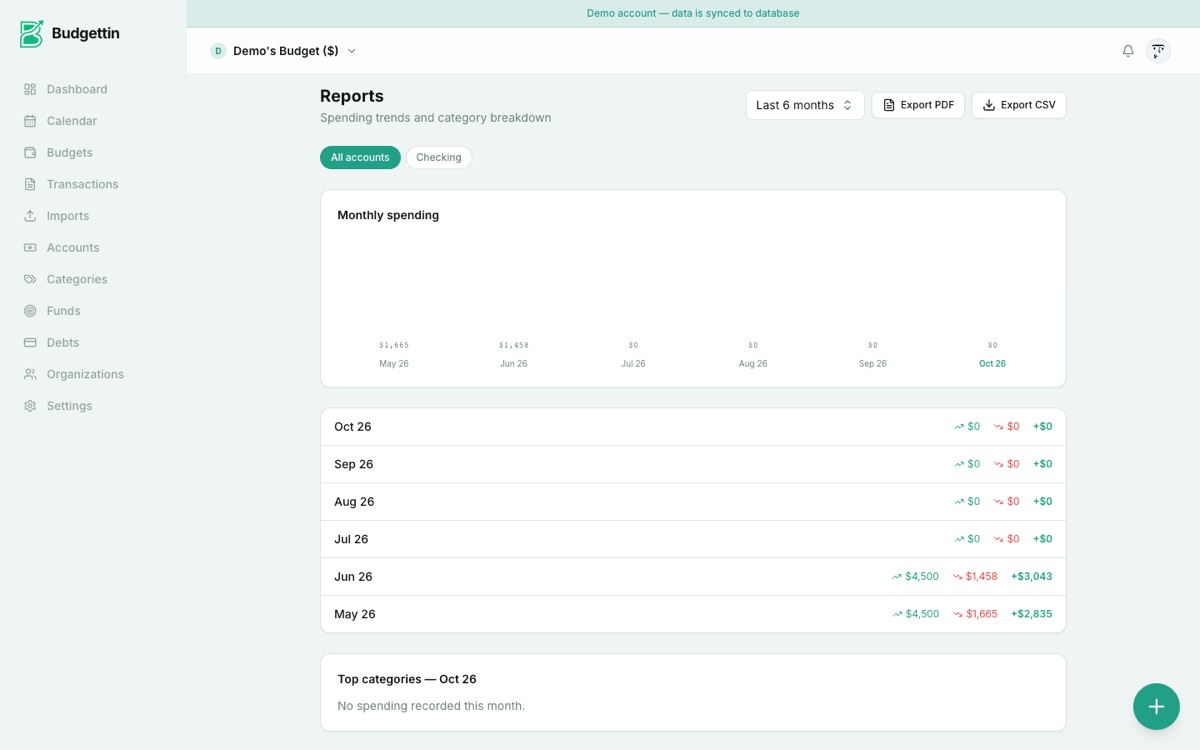
Budgets usually fail at the same place: the month is planned once and then reality arrives. Budgettin started as a way to make the plan survive that. Categories hold an amount, sinking funds hold the irregular costs that break a monthly plan, and a scanned receipt or imported statement lands in a review screen before anything is posted. The aim is a budget that reflects what you spent, not what you hoped you would — without a spreadsheet, and in whatever currency you actually hold.
How it works
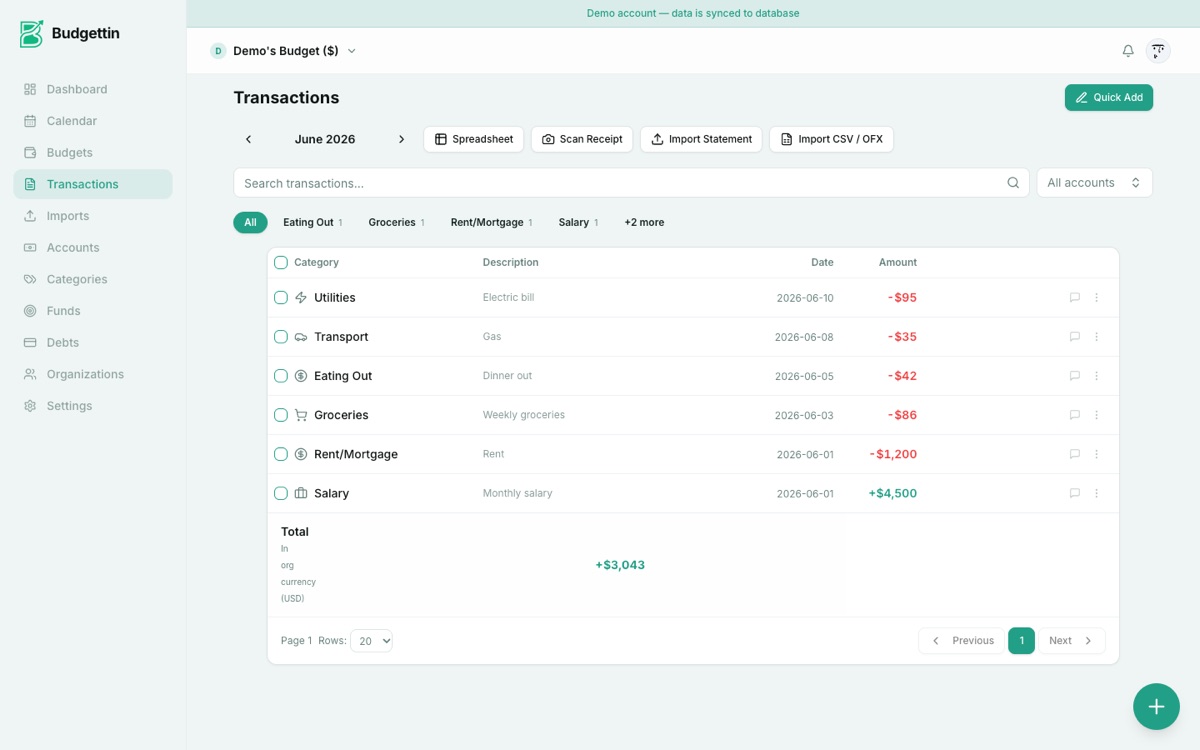
Each category is given an amount at the start of the month. Spending arrives by hand, by scanning a receipt, or by importing a bank statement — and every imported line lands in a review screen before it posts, so a misread row is corrected before it affects a total.
Sinking funds hold the irregular costs — repairs, travel, tuition — as a monthly set-aside instead of a surprise. Accounts can be kept in different currencies and the totals shown in one display currency, while the original amount stays on the transaction rather than being overwritten by the conversion.
What it does
Envelope budgets
Give every category an amount. What is left is visible without opening a spreadsheet.
Sinking funds
Set money aside monthly for the things that are not monthly — repairs, travel, tuition.
Receipts and statements
Scan a receipt or import a statement; each line arrives in a review screen before it posts.
Any currency
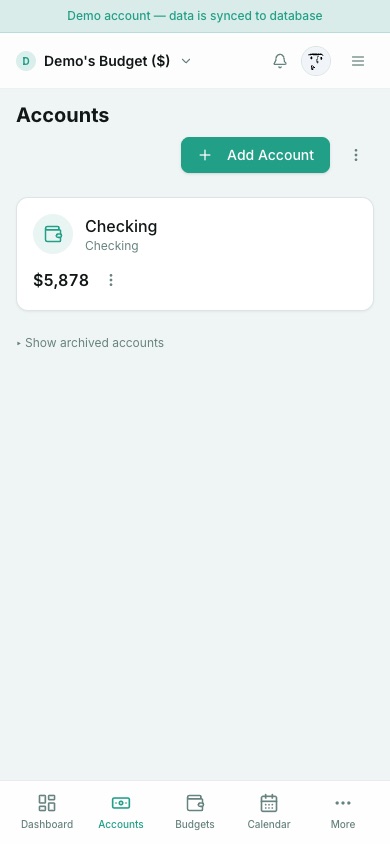
Keep accounts in the currencies you actually hold, with one currency for the totals.
Inside the app
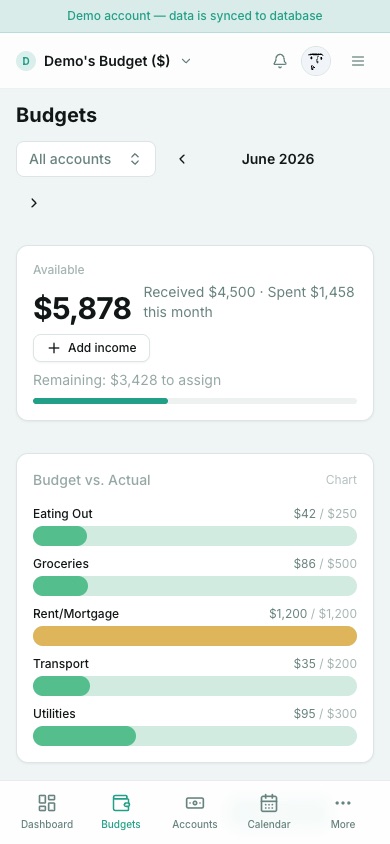
Captured from the running product — no mock-ups.
On a phone
What it does not do
A limit named before you open the app is worth more than a feature list that never mentions one.
- It does not connect to your bank. Statements and receipts are imported as files or images; there is no live feed or read-only bank link.
- The statement importer is the newest part of the product and still cannot read every export unaided — a four-currency CSV and a 14-year, 531-transaction PDF both needed manual correction in testing.
- It measures spending against a plan. It is not an investment or net-worth tracker, and it does not prepare tax returns.
From the build log
First-hand notes from building Budgettin — what broke, and what changed because of it.
Try it without an account
The same arithmetic, free in your browser — no sign-in, nothing kept.